Amazon's Fire TV Stick sold 15.7 million units in Q2 2025 alone, and roughly 36% of American connected-TV users stream through Fire TV devices (AdWave, 2025). With that installed base, the Firestick is one of the most common devices people use to run IPTV player apps — and picking the wrong player means a clunky EPG, stuttering playback, or missing features like recording and multi-view.
The problem is there are dozens of IPTV players available, and most listicles pad their rankings with apps that barely work on Fire OS. This guide covers seven players that are actively maintained in 2026, run well on Firestick hardware, and each serve a different type of user — from beginners who want a two-minute setup to power users who want multi-screen recording and custom skins.
💡 Key Takeaways
- TiviMate is the best overall IPTV player for Firestick — its EPG, multi-view (up to 9 channels), and recording capabilities justify the $9.99/year premium price.
- IPTV Smarters Pro is the best free option for beginners, with the easiest setup and widest cross-device compatibility.
- XCIPTV offers the most features for free (recording, multi-screen, catch-up TV) but must be sideloaded.
- Kodi gives maximum flexibility through add-ons but requires the most setup time and maintenance.
- Every player on this list requires a separate IPTV subscription — no player includes content.
1. TiviMate — Best Overall
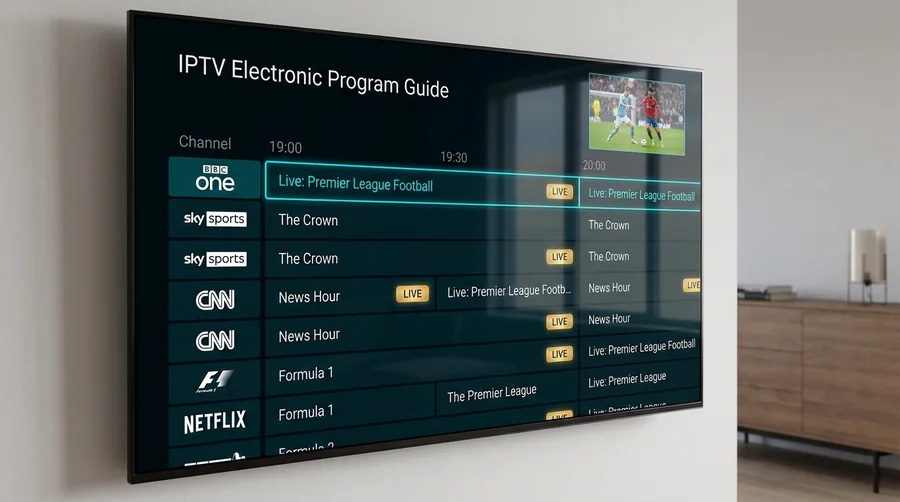
TiviMate delivers the most polished IPTV experience on Firestick, with an EPG grid layout that rivals traditional cable TV interfaces. Channel switching is fast, the UI is clean, and the premium tier unlocks recording, multi-view, and catch-up TV — features that most competitors either lack or charge more for.
Why it stands out: TiviMate's EPG is consistently rated best-in-class across IPTV communities. The grid view shows programs across channels in a familiar cable-style layout, and you can customize groupings, set favorites, and search across your entire channel list (WolfTV, 2026).
Best for: Users who want a premium, cable-like IPTV experience and are willing to pay a small annual fee for it.
Key Features:
- Multi-view: watch up to 9 channels simultaneously on screen
- PVR recording and scheduled recording to USB or network storage
- Catch-up TV support for rewinding live channels
- Unlimited playlist management (premium)
- Parental controls and subtitle track selection
- One license covers up to 5 devices
Limitation: Android and Fire OS only — no iOS, Windows, or Smart TV app.
2. IPTV Smarters Pro — Best for Beginners
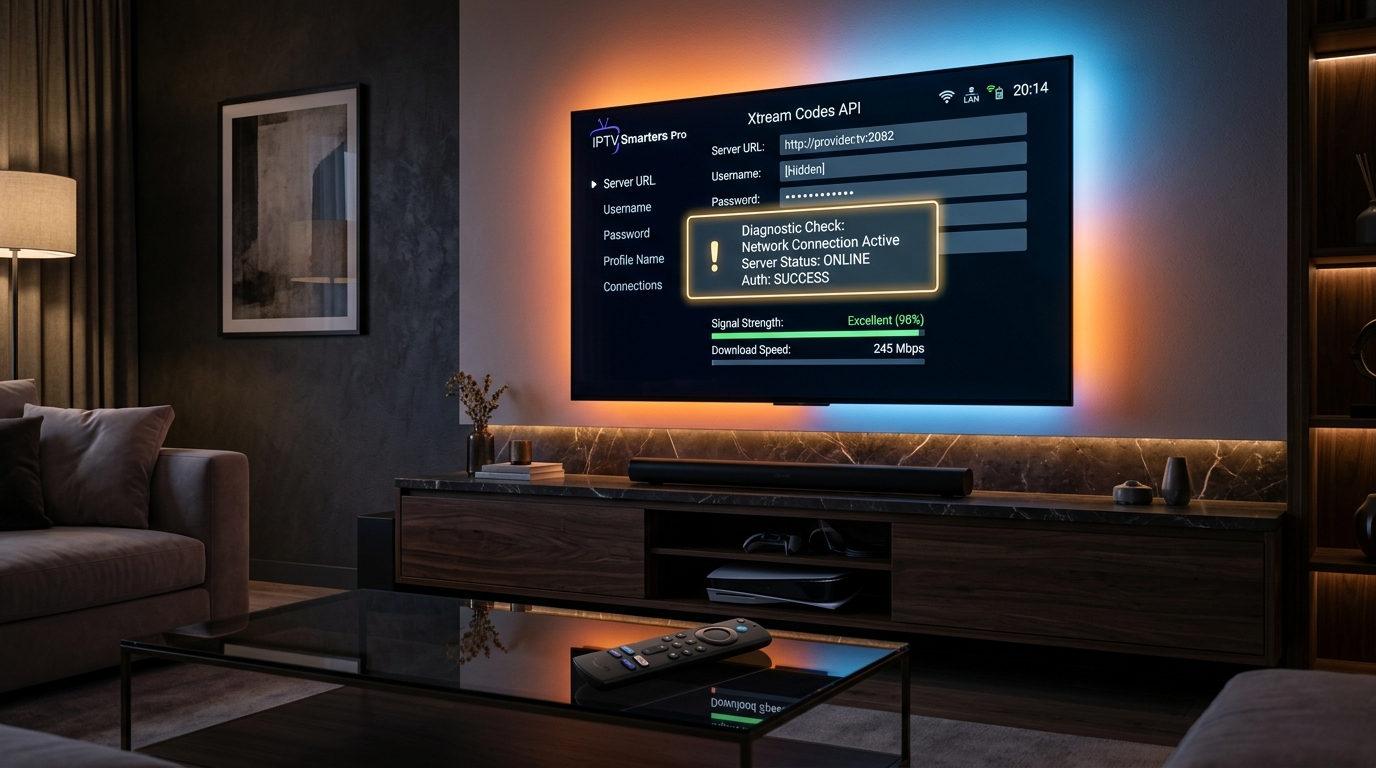
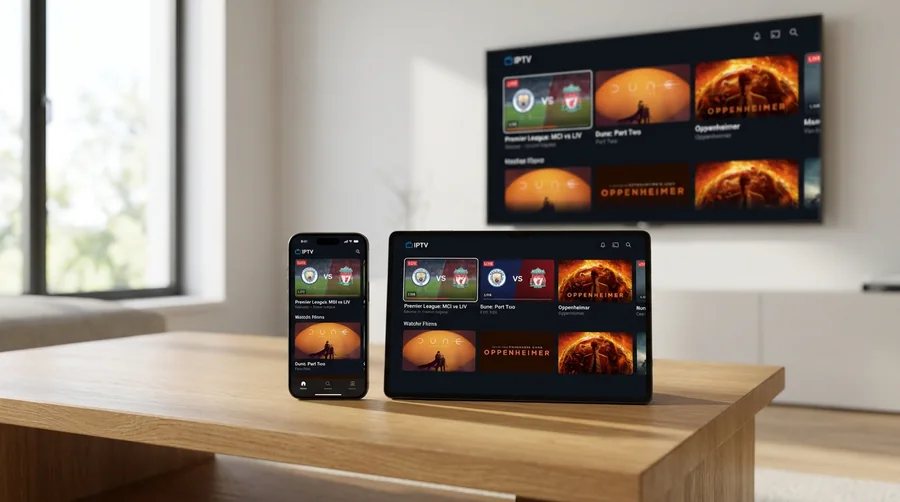
IPTV Smarters Pro is the most widely used IPTV player globally because it works on nearly every platform and can be set up in under two minutes. The 2026 version features a redesigned "Nebula Design" UI that replaces the old cluttered layout with a simplified, tile-based navigation system (North Penn Now, 2026).
Why it stands out: No other player matches Smarters Pro's cross-device reach. The same app runs on Firestick, Android, iOS, Smart TVs, Windows, and Mac — and your login carries across all of them. It supports Xtream Codes API, M3U URL, and playlist file upload, so it works with virtually any IPTV provider.
Best for: First-time IPTV users and households that stream on multiple device types.
Key Features:
- Three login methods: Xtream Codes API, M3U URL, playlist file
- Built-in VOD (movies and series) sections
- Multiple player backends (native, ExoPlayer, VLC)
- Parental controls
- EPG support (functional but less polished than TiviMate)
Limitation: The EPG is basic compared to TiviMate — no grid-style view in the free tier. No built-in recording.
How to fix IPTV Smarters "Failed to Authorize" error guide →
4. XCIPTV — Best Free Player With Premium Features
XCIPTV is the strongest completely free IPTV player in 2026. It includes recording, multi-screen viewing, catch-up TV, and parental controls — features that TiviMate locks behind its premium tier — without any paid upgrade or subscription (IPTV Ranking, 2026).
Why it stands out: No paywall. Every feature is available from day one, including live TV recording and multi-screen viewing. For users who want TiviMate-level features without the annual fee, XCIPTV is the closest match.
Best for: Budget-conscious users who want recording and multi-screen without paying for a premium player.
Key Features:
- Completely free — no paid tier
- Live TV recording
- Multi-screen viewing
- Built-in ExoPlayer and VLC player backends
- Catch-up TV support
- Favorites manager and category browsing
- EPG support
Limitation: Removed from Google Play and Amazon App Store — must be sideloaded on all devices.
IPTV Player Pricing Comparison for Firestick in 2026
5. Kodi — Best for Power Users and Customization
Kodi is an open-source media center that can function as an IPTV player through its PVR (Personal Video Recorder) add-on system. It offers unmatched flexibility — custom skins, thousands of add-ons, and the ability to serve as a complete home media hub for local files, streaming, and IPTV in one interface (WolfTV, 2026).
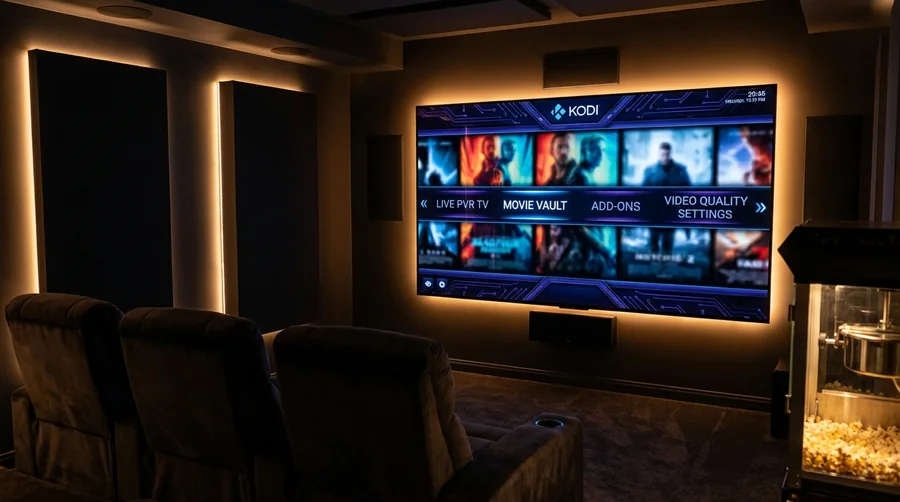
Why it stands out: No other player on this list can be transformed as completely. Kodi skins can make the interface look like anything from a cable TV guide to a Netflix-style library. Pairing Kodi with Real-Debrid provides superior link quality for 4K and HDR content.
Best for: Technical users who want full control, local media integration, and are comfortable with add-on management.
Key Features:
- Open-source and completely free
- Thousands of add-ons and custom skins
- PVR and DVR recording capabilities
- Real-Debrid integration for premium streams
- Local media library management alongside IPTV
- Available on every major platform
Limitation: Setup is complex. Resource-intensive on older non-4K Firesticks.
6. iMPlayer — Best for Picture Quality
iMPlayer prioritizes picture quality over channel switching speed. While TiviMate switches channels faster, iMPlayer produces visibly sharper output — a difference that matters most on larger 4K screens. The app supports split-screen viewing with up to 4 channels in customizable layouts (horizontal, vertical, or grid) (OTTV, 2026).
Why it stands out: Superior picture quality processing. If you are watching on a 55"+ 4K display and picture clarity matters more to you than switching speed, iMPlayer delivers the best output quality on this list.
Best for: Users with large 4K displays who prioritize picture quality and want multi-view in customizable layouts.
Key Features:
- Advanced picture quality processing
- Split-screen with 4 channels in multiple layouts
- Recording capabilities
- Advanced EPG management
- Cross-platform: Firestick, Android, iOS, Apple TV, Windows, Mac, Smart TVs
- 24-hour free trial
Limitation: Can occasionally crash when handling large multi-playlists. No permanent free tier.
7. Perfect Player — Best for Older Firestick Models
Perfect Player uses the fewest system resources of any player on this list, making it the natural choice for the Firestick Lite or older-generation Fire TV Sticks that struggle with heavier apps like Kodi or TiviMate. The interface is minimal but functional, and playback is stable (IPTV Forum, 2026).
Why it stands out: Efficient performance on low-end hardware. While other players have grown more feature-rich (and resource-hungry), Perfect Player stays lean. It has been available since 2014, and that maturity shows in its stability.
Best for: Users with older or budget Firestick models who need a lightweight, no-frills player.
Key Features:
- M3U and Xtream Codes support
- XMLTV EPG integration
- Multiple playback engines (libVLC, ExoPlayer)
- Favorites and channel locking
- Multi-language support (6 languages)
- Very low resource usage
Limitation: Dated UI, basic EPG, no multi-view or recording support.
Comparison Table
| Player | Best For | Price | EPG Quality | Recording | Multi-View | Sideload? |
|---|---|---|---|---|---|---|
| TiviMate | Overall best | $9.99/yr | Best-in-class | Yes | Up to 9 | No |
| IPTV Smarters Pro | Beginners | Free | Basic | No | No | No |
| OTT Navigator | Large playlists | $0.99/mo | Good + search | No | PiP | Yes |
| XCIPTV | Free features | Free | Good | Yes | Yes | Yes |
| Kodi | Power users | Free | Via add-ons | Yes | No | No |
| iMPlayer | Picture quality | ~$20/yr | Good | Yes | Up to 4 | Varies |
| Perfect Player | Older hardware | Free | Basic | No | No | Yes |
How We Selected These Players
We started with over 30 IPTV players referenced across major Firestick resource sites including Fire Stick Tricks, TROYPoint, and IPTV Senpai. Each was evaluated against five criteria:
- Firestick compatibility: Does it run smoothly on current Fire OS, including the Firestick Lite and 4K Max?
- Active maintenance: Was the app updated in 2025 or 2026? Abandoned apps were eliminated.
- Core feature set: EPG support, Xtream Codes and M3U compatibility, and stable playback are baseline requirements.
- Differentiation: Each player must serve a distinct use case. No padding with clones that offer the same experience.
- Community reputation: Consistent positive reviews across independent IPTV forums and guides, not just provider-owned sites.
Frequently Asked Questions (FAQ)
What is the best IPTV player for Firestick overall?
TiviMate is the best overall choice for most Firestick users. Its EPG grid view, multi-view streaming (up to 9 channels), recording capabilities, and clean interface offer the most complete IPTV experience. The $9.99/year premium price is modest for the feature set (TiviMate, 2026).
Is there a completely free IPTV player that includes recording?
Yes. XCIPTV includes recording, multi-screen viewing, and catch-up TV with no paid tier. The tradeoff is that it must be sideloaded (it has been removed from official app stores), so you will not get automatic updates (IPTV Ranking, 2026).
Can I use the same IPTV player on my Firestick and my phone?
IPTV Smarters Pro, Kodi, and iMPlayer all have apps for Firestick, Android, iOS, and desktop platforms. TiviMate and XCIPTV are limited to Android and Fire OS. If cross-device consistency matters, IPTV Smarters Pro has the widest platform coverage.
Do I need to sideload IPTV players on Firestick?
Not all of them. TiviMate, IPTV Smarters Pro, and Kodi are available directly from the Amazon App Store. XCIPTV, OTT Navigator, and Perfect Player need to be sideloaded using the Downloader app from the Amazon App Store.
What internet speed do I need for IPTV on Firestick?
At least 10 Mbps for stable HD streaming and 35 Mbps for 4K content. A wired Ethernet connection (via adapter) is recommended over Wi-Fi for the most reliable performance, especially during peak hours.
Looking for a 100% Compatible IPTV Service for Your Firestick?
Honey Bee IPTV integrates seamlessly with TiviMate, IPTV Smarters Pro, XCIPTV, and Kodi. Get live and on-demand content categories, and instant automated setup.
Start 4K Streaming on Firestick