
Honey Bee IPTV Device Setup Guides: Firestick, Smart TV & Apps
Stream Live TV, Sports & On-Demand Movies from Anywhere in 4K Ultra HD. Choose your device below for clear, foolproof walkthrough instructions.
What you need before installing
Setup time varies, but these three items help you get started:
Honey Bee Credentials
Your Username, Password & Server URL received via email / WhatsApp.
A Compatible Player
TiviMate, IPTV Smarters Pro, or IBO Player from your device store.
Internet Connection
15+ Mbps for Full HD or 30+ Mbps for seamless 4K Ultra HD streaming.
Select your device for the exact guide
Choose your streaming screen below for simple, step-by-step instructions.
Amazon Firestick
TiviMate • Smarters Pro
Android & Google TV
TiviMate • Google Play Store

Samsung & LG TV
IBO Player Pro • Smarters
Apple TV & iOS
Smarters Lite • IPTVX

Windows PC & Mac
IPTV Smarters • VLC Media
MAG & STB Box
Embedded Portal • StbEmu
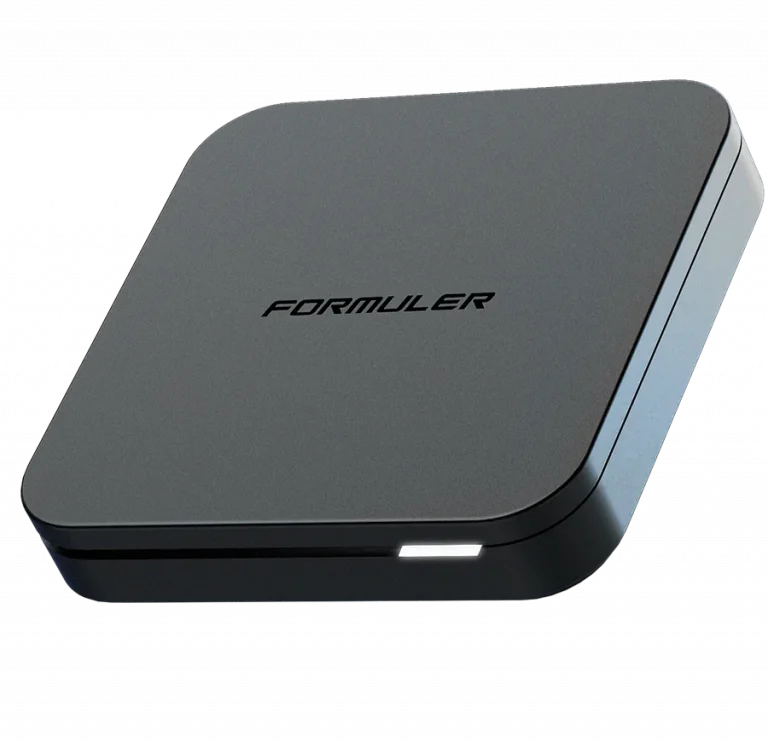
Formuler Box
MyTVOnline 2 / 3
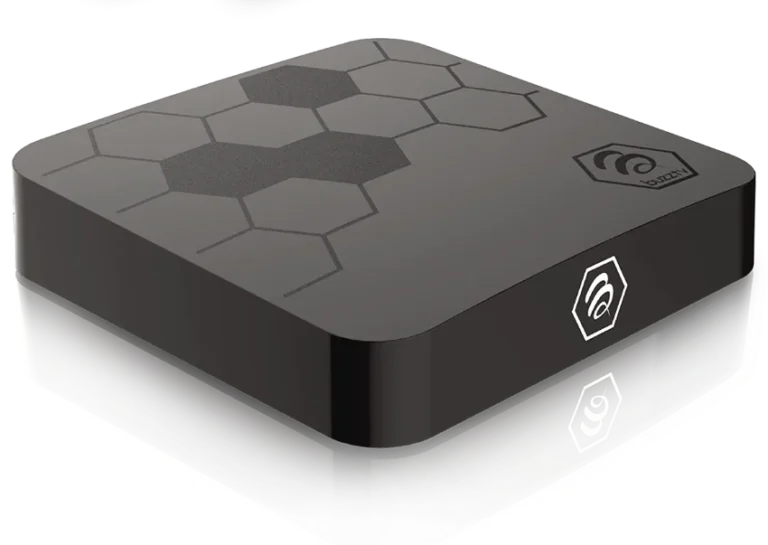
BuzzTV Box
BuzzTV App 5
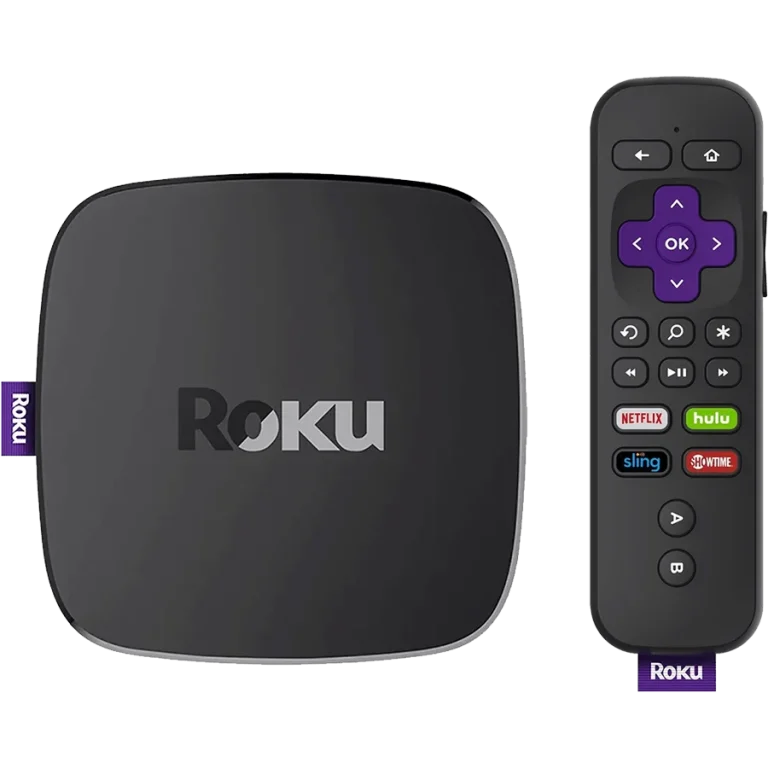
Roku Device
AirPlay • Web Video Caster
Four IPTV Players to Consider for Honey Bee IPTV
These commonly used players support standard IPTV access methods. App features and availability vary by device, model, version, and region.

TiviMate IPTV Player
A TV-focused option for Android TV, Firestick, and Nvidia Shield, with EPG, channel navigation, multi-view, and backup features that can vary by version.

IPTV Smarters Pro
Available on several common platforms, including Firestick, Android, iOS, Windows, Mac, and some LG and Samsung models. Availability varies by app store and region.

IBO Player Pro
An option for supported Samsung Tizen and LG webOS televisions, with web-portal activation and remote-control navigation. Features vary by model and app version.
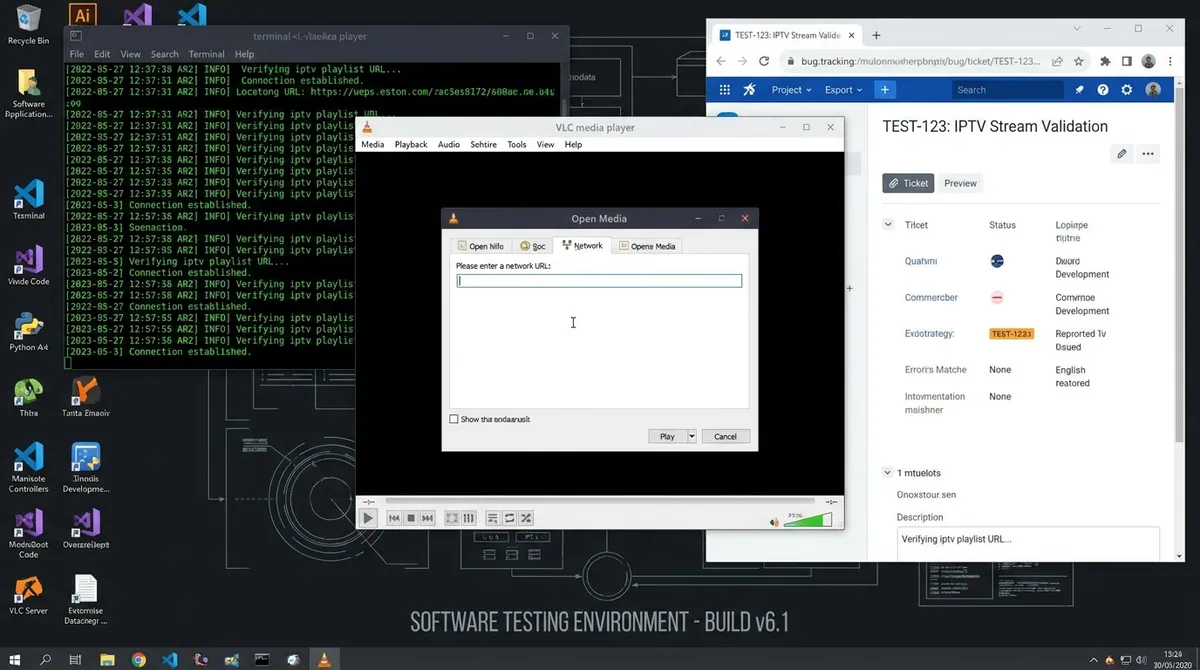
VLC Media Player
Ideal for desktop testing on Windows, Mac, and Linux. Simply open your M3U network URL to test stream latency and playback stability.
Xtream Codes API vs M3U Playlist URL
Your welcome email includes both connection methods. Here is how to choose the right one:
| Feature | Xtream Codes API (Recommended) | M3U Playlist URL |
|---|---|---|
| What you enter | Server URL + Username + Password | Long URL link (.m3u / .m3u8) |
| Setup Speed | Fastest (less typing errors) | Requires pasting long URL |
| EPG (TV Guide) | ✓ Loads automatically with zero configuration | Requires separate EPG URL |
| VOD & Series Posters | ✓ Full movie posters, trailers, & IMDb ratings | Basic text list only |
| Supported Apps | TiviMate, Smarters Pro, IBO Player, XCIPTV | VLC, Perfect Player, Smart IPTV |
If your setup does not connect on the first try
Follow this checklist in order to rule out common first-time setup errors:
Check for Typos in Server URL
Ensure the URL includes http:// and the port number exactly as sent in your email. Remove any accidental spaces at the start or end.
Case-Sensitive Username & Password
Usernames and passwords are case-sensitive. Pay close attention to capital letters, numbers, and symbols.
Power-Cycle Your Device & Router
Restart your streaming device and home router fully. TV boxes hold temporary DNS cache that clears on reboot.
Test on a Second Device
Try logging in on your mobile phone with IPTV Smarters to verify that your account credentials are active.